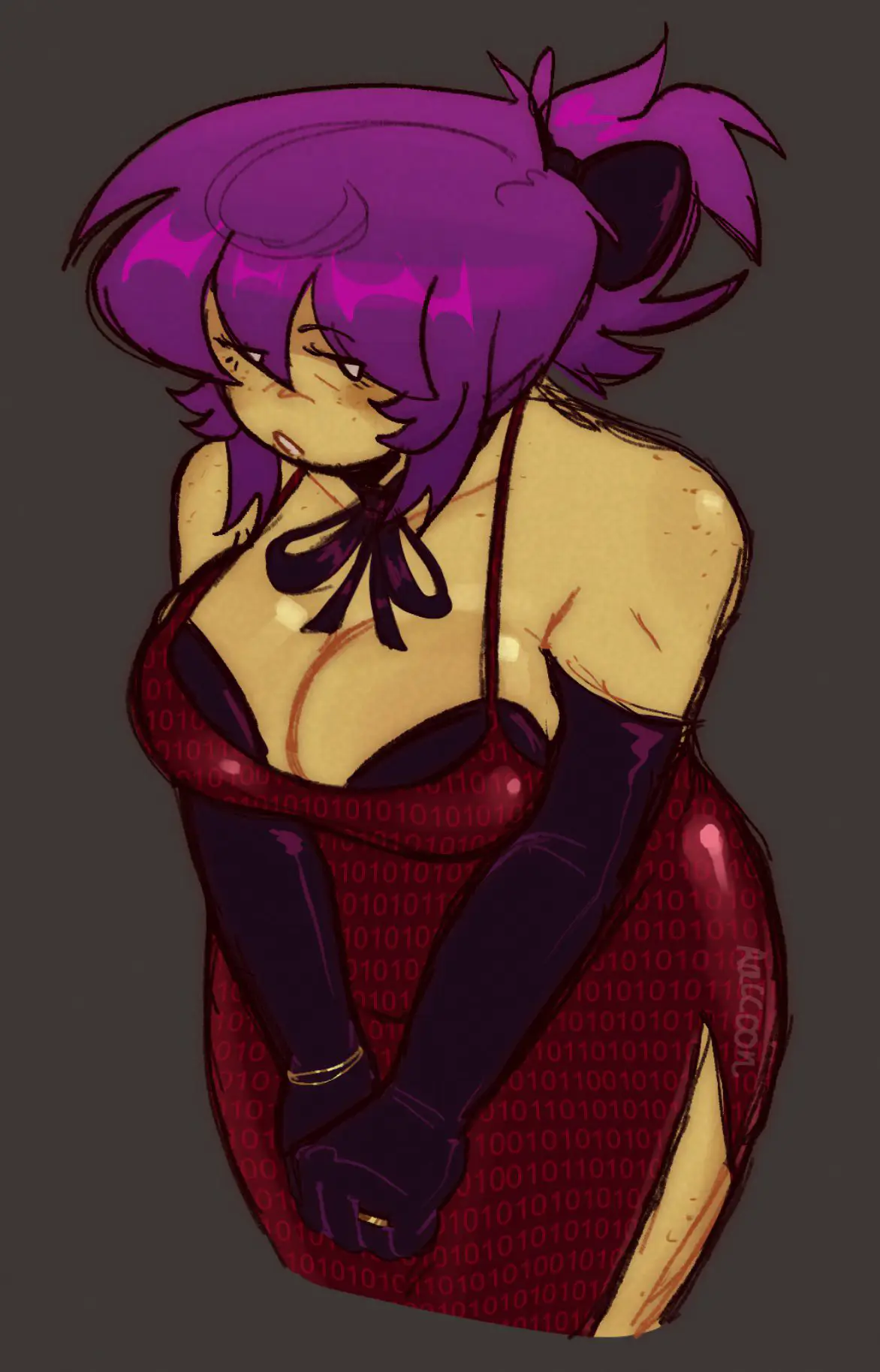
Sylvia (rusmynth)S
Sylvia (rusmynth)
Requested by Anon and Horny_imp (didn't specify but they want more) -Greetings: 1. Sylvia Only 2. Group-based (Sylvia and Iris, add Iris yourself, if not then it won't work and the bot makes shit up.) I **HAVEN'T** tested the group greeting that much, report issues in the comments. Check below for a tutorial **[TUTORIAL ON HOW TO ADD CHARACTERS INTO CHAT]** **1. Find a bot and click the 3 dots;** <div style="text-align:left; margin-bottom:20px;"> <img src="https://files.catbox.moe/hhofko.PNG" alt="Image" style="width:auto; height:auto;" /> </div> **2. Copy the ID;** <div style="text-align:left; margin-bottom:20px;"> <img src="https://files.catbox.moe/dxtyjo.PNG" alt="Image" style="width:auto; height:auto;" /> </div> **3. Find a bot you wanna chat with, then click the 3 lines on the right top corner;** <div style="text-align:left; margin-bottom:20px;"> <img src="https://files.catbox.moe/ze8lvr.PNG" alt="Image" style="width:auto; height:auto;" /> </div> **4. Click 'Chat Settings';** <div style="text-align:left; margin-bottom:20px;"> <img src="https://files.catbox.moe/6putsx.PNG" alt="Image" style="width:auto; height:auto;" /> </div> **5. Paste in the ID here;** <div style="text-align:left; margin-bottom:20px;"> <img src="https://files.catbox.moe/osncpf.PNG" alt="Image" style="width:auto; height:auto;" /> </div> **6. Save;** <div style="text-align:left; margin-bottom:20px;"> <img src="https://files.catbox.moe/b2xlz0.PNG" alt="Image" style="width:auto; height:auto;" /> </div> **7. If you have done it, you should have a picture right here, you can click it and switch character, they'll reply automatically;** <div style="text-align:left; margin-bottom:20px;"> <img src="https://files.catbox.moe/nr2w6c.PNG" alt="Image" style="width:auto; height:auto;" /> </div> **[WORKS WITH ANY BOT IF THEY SUPPORT GROUP CHATS]**