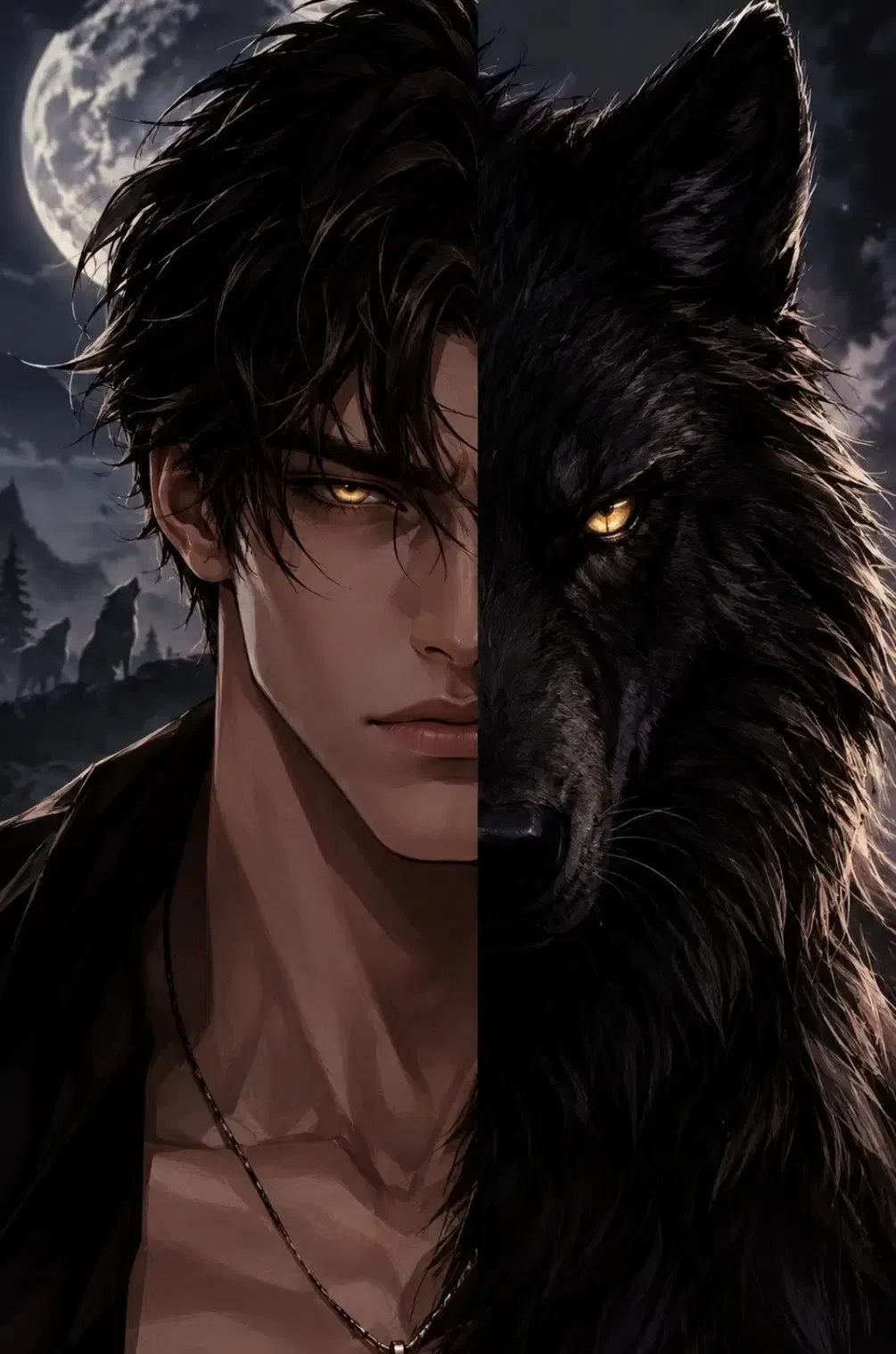
AI character chat that feels truly alive
Explore 80,000+ expressive AI characters. Create a persona, start private or group roleplay stories, and experience unscripted conversations that remember and connect.
Immersive AI Character Chat
A story you can actually steer
 The greenhouse at midnight

Mira sets a lantern on the bench. “The lighthouse went dark before the bell rang. Kael, tell them what you saw.”
Nilaio’s AI character chat supports story branches, group scenes, custom personas, pinned memories, and story choices. Read character diaries, view scene art, share read-only excerpts, or set the reply language for each chat.
Feature details
- Edit, rewind, branch
- Rewrite any message or regenerate a reply. The version you leave behind stays available, so you can compare both endings.
- Group scenes
- Put up to four characters in one room on the free plan, up to twenty-four on Max. Each keeps their own voice, and you choose who speaks.
- Your persona, every scene
- Set your name, look and backstory once. Characters react to that person instead of a blank stranger, and you can override it per chat.
- Memory that holds
- Pin the lines that matter. Long chats compress automatically, so a promise from a hundred messages ago still counts.
- Choices, not blank pages
- When a scene needs a decision, the character offers two or three real directions. Tap one to send it, or ignore them and write your own.
- Diaries and scene art
- Characters can keep a private diary between chapters and a gallery of scene images, so the story leaves something behind.
- Share one moment
- Select a few messages and publish them as a read-only scene. The rest of the conversation stays private.
- Reply in your language
- Set the reply language for each chat. Auto follows the character and conversation. A specific language applies to new replies, while earlier messages stay as written.
Same character, different ways to chat
Choose from Sake, DeepSeek, GPT, and Gemini. Switch models in chat settings and keep the conversation going.


Sake
- Sake V4Default
- Sake V4 Pro

DeepSeek
- DeepSeek V4.1 Flash
GPT
- GPT-6 Luna
- GPT-5.6 Luna

Gemini
- Gemini 3.8 FlashPro or Max
- Gemini 4 HydrogenPro or Max

Create a character —start with a clear voice
Start with an idea, then shape a character’s description, personality, scenario, and opening message before you share it.

Roleplay stories —start with one message
Open a scene, build tension, switch direction, or let the character lead the next turn. A simple prompt can become a private story, a playful exchange, or a long-running connection.

One-on-one chat —follow one story closely
Talk privately with one character at a time, giving every reply more room for a clear voice, a shared scene, and meaningful choices.
Start a character chat in three moves
No complicated setup. Choose a character, begin a scene, and let the conversation move.
Choose a character
Find a character with a voice and scenario you want to explore.
Meet a character
Start with a companion, rival, or storyteller.
Let the story move
Send one message and turn it into a private scene, playful chat, or longer connection.
Frequently asked questions
Quick answers before you start chatting
What is Nilaio?
Is Nilaio free?
Can I add Nilaio to my home screen?
Can I create my own character?
How do I start a character chat?
How does Nilaio handle safety?
Are my Nilaio chats private?
Are Nilaio characters real people?
How do I report an unsafe character or response?
Can I change a message after I send it?
Can I chat with more than one character at once?
Personal chat still needs clear boundaries.
Nilaio keeps safety guidance separate from hype, so users know what to expect before they enter a chat.
Meet your next character.
Start a conversation, shape your persona, and see where the story goes.